Authorized demonstration footage
See how different cleanup decisions look in context.
Explore authorized demonstration scenes for static marks, timestamps, custom subtitles, and supported moving regions.
Example gallery
Six scenes. Six distinct cleanup decisions.
Every pair uses the exact same generated frame. Only its fictional demonstration overlay changes.
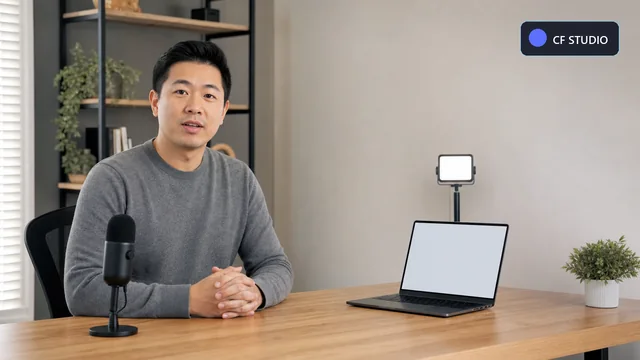
Original
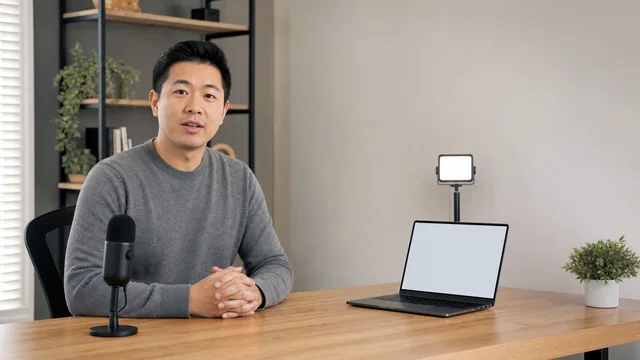
Cleaned
Corner logo
Remove a small logo from footage you created or are authorized to edit.
- Mask type
- Static rectangle
- Media
- Generated demonstration
A fictional CF Studio mark sits over a creator's neutral tutorial set. The fixed region makes a static rectangle the clearest starting point.
Fictional mark on generated, owned demonstration media.
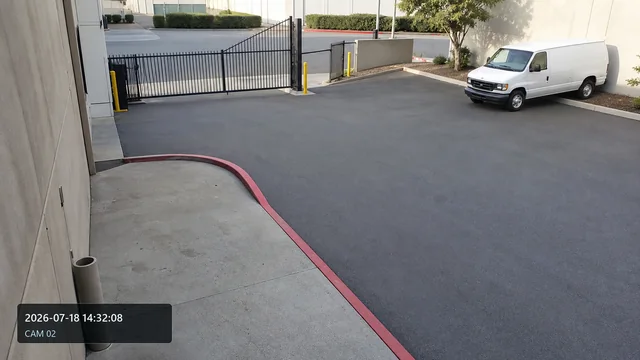
Original
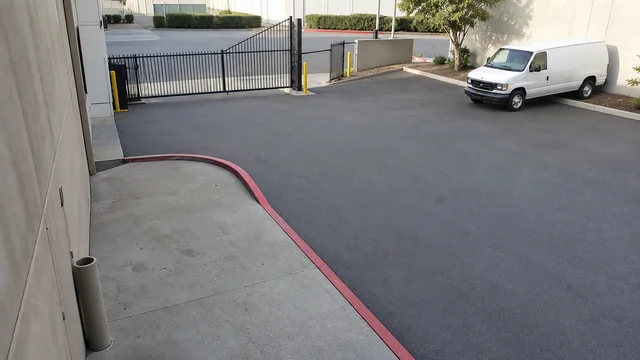
Cleaned
Timestamp
Clean a burned-in date and time from your own recorded footage.
- Mask type
- Static mask
- Media
- Generated demonstration
A fictional date, time, and CAM 02 identifier appear on an owner-controlled warehouse entrance recording.
Fictional timestamp on generated, owner-controlled demonstration media.
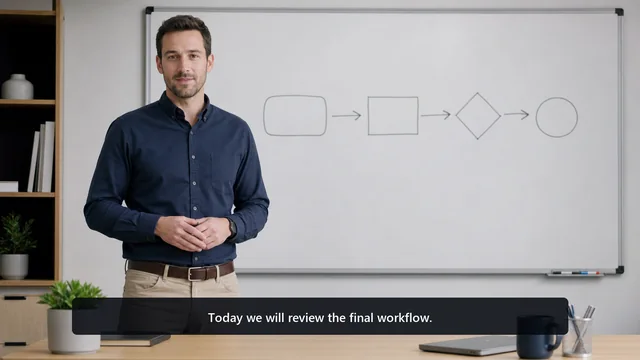
Original
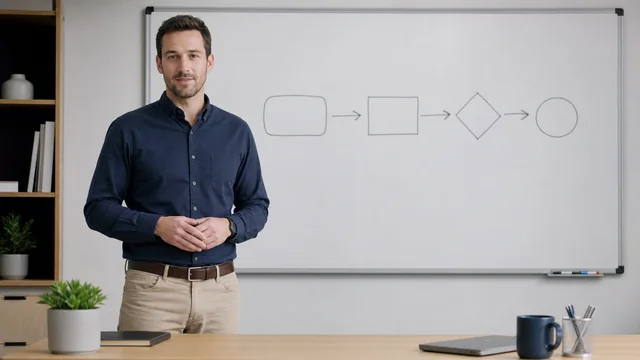
Cleaned
Subtitle cleanup
Remove custom subtitles from source footage you own.
- Mask type
- Wide lower-third mask
- Media
- Generated demonstration
A presenter-authored sentence spans the lower third of an educational lesson, calling for a wide, shallow review region.
Custom subtitle on generated educational demonstration media.

Original

Cleaned
Static overlay
Remove an outdated graphic from approved marketing footage.
- Mask type
- Static polygon
- Media
- Generated demonstration
A fictional Summer Campaign panel covers the lower-right of a generic product demonstration.
Fictional campaign panel on generated, approved demonstration media.
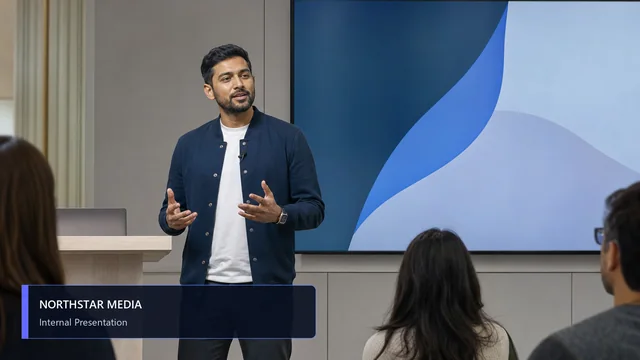
Original

Cleaned
Old branding
Clean outdated branding from internal or client-approved footage.
- Mask type
- Lower-third mask
- Media
- Generated demonstration
A fictional Northstar Media lower third appears over an internal town-hall recording.
Fictional identity on generated internal-presentation media.
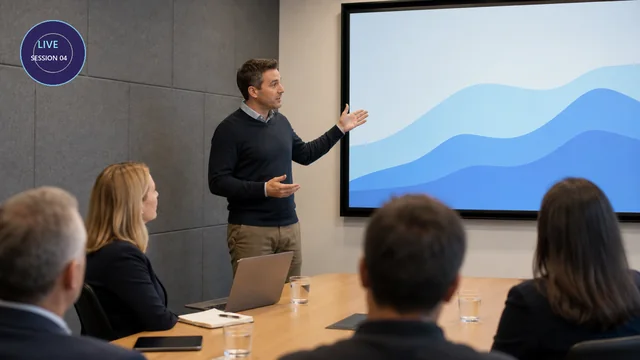
Original
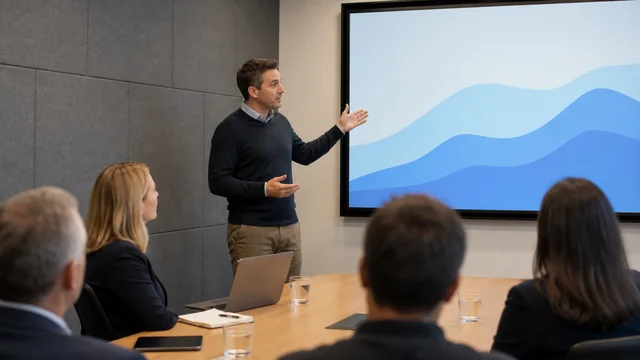
Cleaned
Presentation badge
Remove a static event badge from an approved conference recording.
- Mask type
- Static circular mask
- Media
- Generated demonstration
A fictional Session 04 badge occupies a fixed upper-left region of a conference presentation.
Static fallback example; production-ready moving-mask tracking is not implied.
Workflow
Read each result in the context of the source.
Examples show the editing decision, the selected mask behavior, and the factors that can change the outcome.
- 01
Choose a scene
Filter by static or moving region, text type, and quality preset.
- 02
Inspect the original
See the location and shape of the demonstration overlay.
- 03
Compare the result
Review the processed region without implying the rest of the scene changed.
- 04
Read the mask note
Understand whether the example uses a static mask or a supported tracked path.
- 05
Check the limitation
Look for transparency, movement, texture, and scene changes that affect quality.
Capabilities in context
Examples are guidance, not benchmark claims.
Capability 01
Owned corner logo
A fixed brand mark on demonstration footage created for the product.
Capability 02
Timestamp cleanup
Changing digits inside a consistent frame region.
Capability 03
Custom subtitle
A user-created text line removed from its original source file.
Capability 04
Internal branding
Outdated graphics on approved company or client footage.
Keep the limitation visible before the job starts.
- The gallery uses authored demonstration scenes rather than third-party branded footage.
- No processing-time claims are shown because those require measured jobs and hardware context.
- Moving examples apply only to supported tracking paths.
- Results vary with the footage, mask, preset, and content hidden beneath the overlay.
Next step
Varied examples with the limitations left visible.
Start with authorized footage, review every selected region, and use a preview before full processing.